
Compare · Adjacent tools · Video hosting
Why not just use YouTube?
Vyrol vs YouTube
Last updated: August 2026
YouTube already does a public upload, auto-captions on its player, a channel watermark, and a Shorts trim. That is the right tool when the job is an audience. It is the wrong tool when the same recording has to go out as a branded file on TikTok, LinkedIn, and email, then as a private page for one named buyer.
For agencies, dealerships, property, and B2B teams who already post some cuts on YouTube and still re-edit every other format by hand.
Our take
Best for Sales delivery
Our take
Best as YouTube replacement
Value comparison
YouTube hosts the public cut. Vyrol produces the files and the private pages around it. Most teams keep both.
| Dimension | Vyrol | YouTube |
|---|---|---|
| Job you are hiring | Make one branded master, export every layout, send a page per person | Publish to an audience and grow the channel |
| Time on a typical sales cut | One transcript pass, one layout, three exports, then personal links | Re-edit the Short, re-export the square, paste the same unlisted URL into every email |
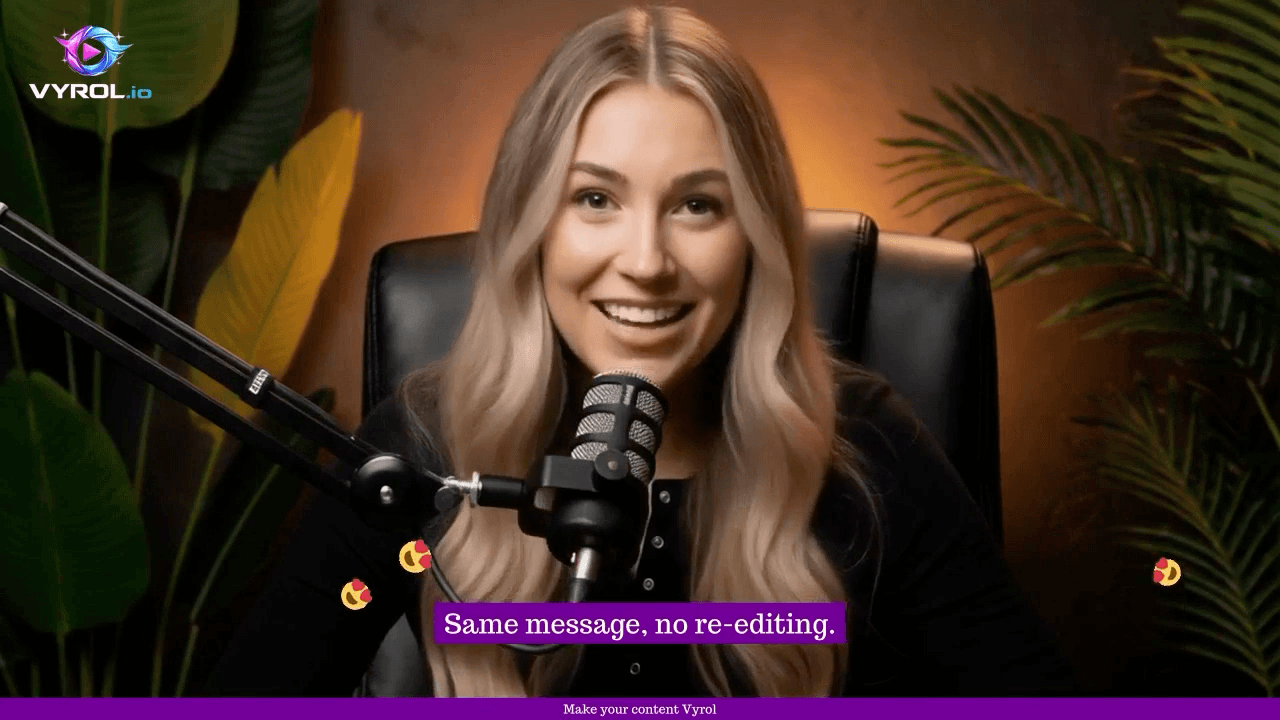
| Where the graphic lives | Logo, heading, lower third, and captions are in the MP4 for every platform | Player captions and a channel watermark exist only while the video is on YouTube |
| Who watched | Per-recipient watch depth, CTA, and the next funnel step | Channel analytics. An unlisted link is the same link for everyone |
| Works with the rest of the stack | Export MP4s to YouTube, TikTok, LinkedIn, and your ESP. Webhooks into the CRM | The destination for the public cut. Not the editor for the other platforms |
Use YouTube when you want reach. Use Vyrol when the hour you lose re-exporting, and the deals you lose on a generic link, cost more than the subscription.
Current Vyrol plans: Pricing. Competitor list prices change often — check their site when you are ready to buy.
Feature comparison
Objective snapshot. “Limited” means partial support or a different product focus — not a smear.
| Feature | Vyrol | YouTube |
|---|---|---|
| Public reach and SEO | No | Yes |
| Free hosting for a public audience | No | Yes |
| Auto-captions on the player | No | Yes |
| Captions burned into the file for other platforms | Yes | No |
| One job → 9:16, 1:1, and 16:9 | Yes | No |
| Logo, lower third, and heading per aspect ratio | Yes | Limited |
| Workflow presets you reuse on the next job | Yes | Limited |
| Private client / prospect sharing | Yes | Limited |
| Branded Share Pages with CTAs | Yes | No |
| Campaigns (personal tracked links) | Yes | No |
| Multi-step Page Funnels | Yes | No |
| Recipient watch depth | Yes | No |
| Hand the MP4 to TikTok, LinkedIn, or an ESP | Yes | Limited |
| Ad-free professional viewing experience | Yes | Limited |
Vyrol — pros & cons
Pros
- Branded Share Pages with CTAs
- Campaigns — personal tracked links per contact
- Multi-step Page Funnels
- Studio multi-format packaging + captions
- Engagement analytics (views, watch depth, CTA clicks)
Cons
- Newer platform with less category brand recognition
- Smaller third-party ecosystem than mature enterprise suites
- Native HubSpot/Salesforce OAuth apps are not the default path (webhooks + Zapier on Professional+)
- Not built as a desktop in-browser screen recorder first
YouTube — pros & cons
Pros
- Unmatched public reach
- Audience building and SEO
- Monetisation options
- Familiar for consumers
Cons
- Public-by-default posture is wrong for many client videos
- Weak branded sales page experience
- No Campaigns-style personal tracked outreach
- Comments/ads/related videos can distract from a sales CTA
Why people switch from YouTube
- Client videos should not be public or easily discoverable
- Need a professional page with one clear CTA
- Need to know which prospect watched
Who shouldn't use Vyrol
Honesty beats a hard sell. Vyrol may not be the right fit if:
- Your goal is public audience growth or ad revenue
Choose YouTube if
- You want maximum public reach
- You are building an audience
- Advertising revenue matters
- SEO discoverability for public content matters
Choose Vyrol if
- You need private video sharing
- You need branded Share Pages
- You need recipient-level / campaign analytics
- You need personalised campaigns
- You need CTAs and Page Funnels
- You need professional client communication
YouTube and Vyrol can both involve video — but they are hired for different outcomes. Match the tool to the job.
FAQ
If YouTube is free, who pays for Vyrol?
People who cannot stay inside the YouTube player. A dealership walkaround, an agency client cut, or a B2B follow-up has to look like the brand on 9:16, 1:1, and 16:9, then land on a page with one CTA. YouTube does not do that job.
Can we still publish the public cut on YouTube?
Yes. Render the 16:9 in Vyrol and upload it. YouTube remains distribution. Vyrol remains the file and the private follow-up.
Do presets and layouts carry across formats?
A workflow preset stores captions, brand, and per-format layout. You place the logo and lower third once per aspect, then reuse that preset on the next job instead of rebuilding the YouTube Short by hand.
Does Vyrol support personalised videos?
Yes. Share Pages give each conversation a branded viewing experience. Campaigns go further: one master video with a personal tracked link per contact, plus message merge fields for outreach.
Can I upload existing videos?
Yes. Upload an MP4 for Share (included monthly allowance on plans) or run footage through Vyrol Studio for captions, branding, and multi-format exports before you publish.
Is there a free trial?
Create a free Vyrol account to explore Studio, Share Pages, and Campaigns on the free allowance. You can also book a demo if you want a guided walkthrough.
More comparisons
Try Vyrol as a YouTube alternative
Create a free account, put one real video on a Share Page, and see whether prospects engage differently — then add Campaigns when you need a personal link per contact.